

See the call you missed.
Keep the caller, outcome, owner, and follow-up task together.

INTRODUCING ACE FOR HVAC
Never let another high-ticket emergency repair go to voicemail. Ace automatically answers after-hours calls, qualifies homeowner urgency, and books jobs directly into your dispatch schedule 24/7.
⚡ 2-Minute Setup · Integrates with ServiceTitan & Housecall Pro · 100% Lead Capture

Eliminate missed revenue, streamline technician schedules, and capture every emergency job automatically without adding payroll.
Ace answers inbound inquiries in real time, diagnosing furnace or AC problems, qualifying emergency jobs, and answering homeowner questions 24/7/365 without staffing overhead.
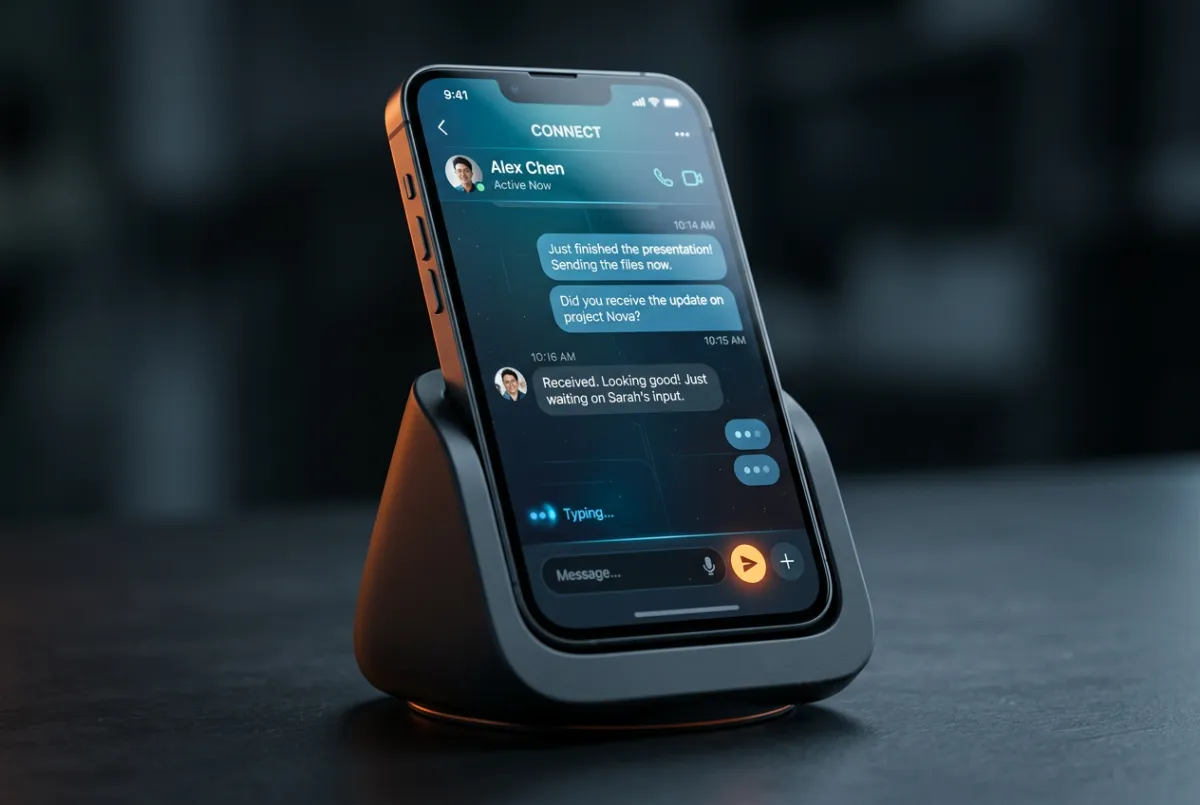
When your technicians are in attics or lines are tied up, FireWire fires an instant personalized SMS within 4 seconds, stopping prospects from dialing your direct competitors.
Web form submissions, Google LSA inquiries, and emergency quotes are engaged in under 60 seconds. Fast speed-to-lead seals off leaks and locks in profitable change-outs.
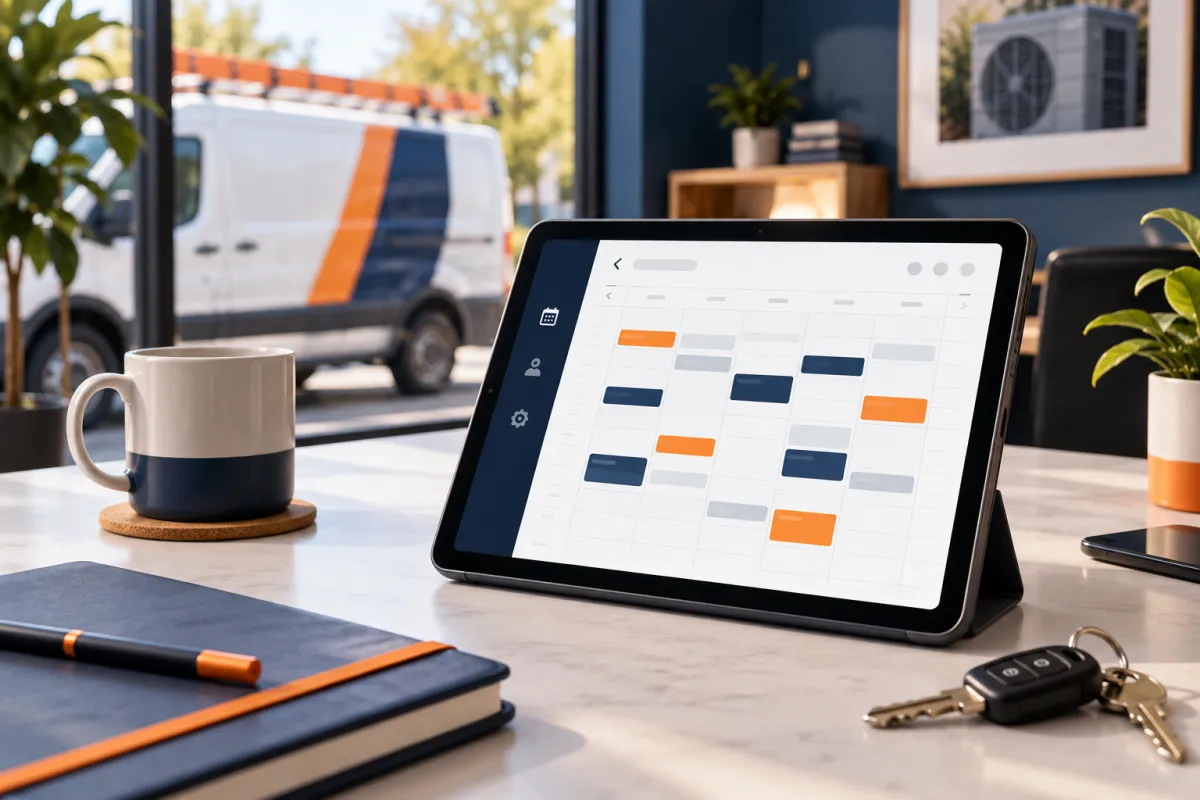
Ace checks your field software availability, offers confirmed arrival windows, and drops fully qualified service calls directly onto technician boards without dispatcher phone tag.
Track exactly how many after-hours inquiries were saved from leaking out. Get clean visibility into captured pipeline value, converted repair jobs, and booked system replacements.
Inspect the exact high-precision booking flow and revenue pipeline dashboard engineered specifically for HVAC contractors.
When calls go unanswered in the field, Ace triggers a 2-second SMS inquiry to capture the job before homeowners dial a competitor.
The AI gathers square footage, equipment age, and heating issues, directly reserving qualified estimate slots on your dispatch calendar.
Review real-time cost-per-acquisition, total pipeline revenue booked by Ace, and technician utilization rates from a single interface.
Meet Ace: your tireless, friendly AI dispatcher that instantly answers incoming calls, qualifies emergency replacements, and drops booked jobs directly onto your technicians' schedule 24 hours a day, 365 days a year.
See Ace live on a recorded simulation with your specific market pricing, service territories, and job types. We'll show you exactly how many lost calls turn into paid dispatches.
🔒 Zero setup obligation • 15-minute operational walkthrough • Custom territory review
Industrial-grade lead capture and AI dispatch automation built specifically for residential HVAC contractors.
Direct Email[email protected]Contractor Hotline1-800-555-FIRE
● Ace AI Engine: OnlineAvg Response: 4.2s
Dispatch Protocol: Active
HVAC CRM Sync: Live
© 2026 FireWireAds. All rights reserved. Precision lead generation for professional HVAC operators.
Calls arrive while technicians are with customers, dispatch is tied up, and the office is closed. FireWire helps your team catch those inquiries, follow up, and move qualified homeowners toward an appointment—in one connected workflow.
Keep your current tools. Set the service rules. Give every new inquiry a clear next step.
Use your own numbers to explore a planning estimate for unworked inquiries and staff follow-up time.
Scenario only—not a revenue forecast or guaranteed savings. Includes estimated unworked inquiries and manual labor cost.
Show us how you handle service calls today. We’ll map the first gap to fix, the information Ace can use, and the moments your team should take over.
Map my lead flow ↗Calls, messages, and web inquiries are easier to act on when your team can see what happened, who owns the next step, and whether a booking was made.
Keep the caller, outcome, owner, and follow-up task together.
Use approved voicemail and call context to spot service needs and route the next step.
Keep texts and website inquiries with the conversation your team already has.
Route urgent, unclear, or valuable inquiries to a person with the details they need.
Start with the problem you feel every week: new leads waiting, missed calls after hours, or estimates that never get a follow-up.
Give new callers and website leads a prompt, approved first response—even while your crew is on another job.
Follow up on missed and after-hours calls while the homeowner is still looking for help.
Move qualified inquiries toward available appointments and keep open estimates on your team’s radar.
Ace follows a defined path so a conversation does not end with “someone will call you back.”
Capture a call, missed call, voicemail, web inquiry, text, CRM event, or approved trigger.
Check the customer context, service need, territory, consent, exclusions, and business rules.
Send the approved answer, qualification step, follow-up, routing action, or booking path.
Give dispatch or sales the conversation context, urgency, and action required.
Record the trigger, action, owner, outcome, and next step in the system of record.
You decide what Ace can answer, which jobs it can help schedule, and when dispatch takes over. If the answer is uncertain or the issue is sensitive, the workflow has a human handoff.
Here is what to expect before anything goes live.
No. The recommended plan is designed around your current stack whenever practical. Connections, supported actions, and data availability are confirmed in the written scope.
Ace can guide qualified inquiries into an approved scheduling path when the connected calendar and booking rules support it. Exact availability, territories, job types, and handoff rules are configured before launch.
The workflow stops, asks an approved clarifying question, or hands the conversation to a person according to the confidence and escalation rules you approve.
Your deployment defines the baseline, eligible events, tracked actions, attribution rules, exclusions, and owner for each outcome. The goal is documented operational evidence—not vague activity.
Yes. A focused first system is often the cleanest way to prove the workflow before expanding into estimate follow-up, reactivation, or additional channels.
In a short review, we’ll look at your missed calls, after-hours inquiries, booking path, and estimate follow-up. You’ll leave with a practical first step for your HVAC shop.
Book my HVAC lead review ↗